Screenshots
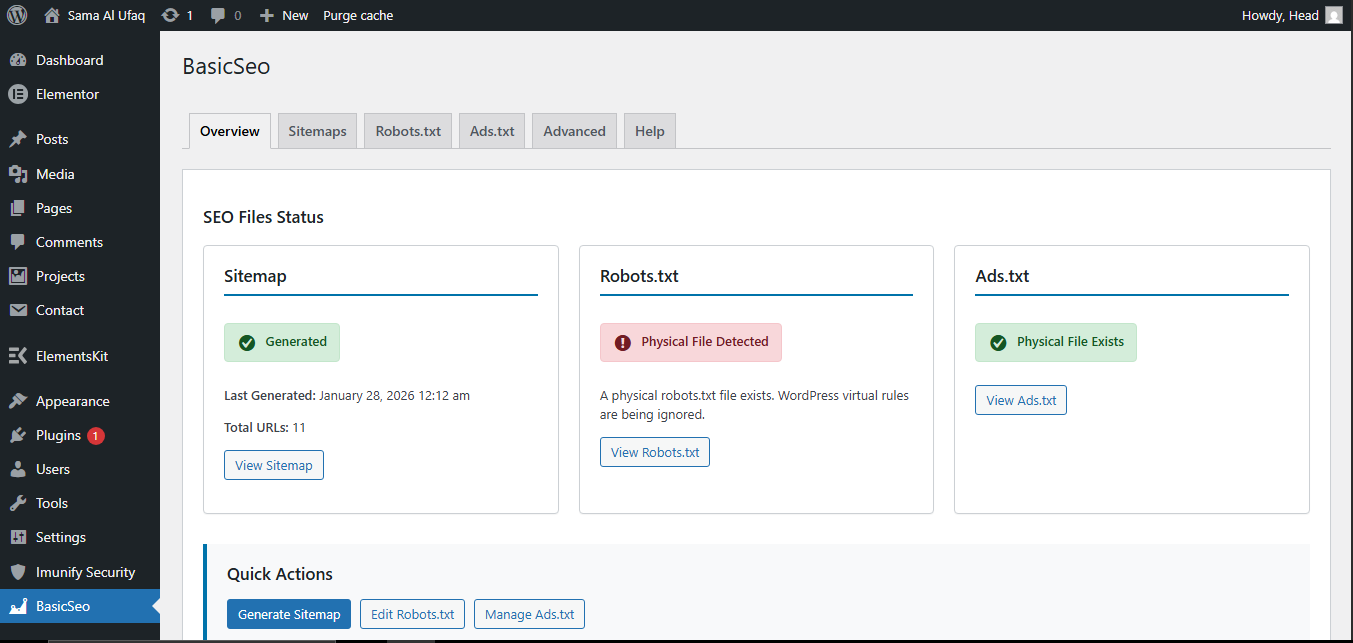
Full control over sitemaps, robots.txt, ads.txt and more – transparent, no silent automation, built with WordPress standards.
Create XML sitemaps with full control. Choose content types, preview before live, excludes noindex automatically.
Safely edit rules, live preview, auto sitemap inclusion, detects physical files & conflicts.
Entry-based or raw editing, validation, physical file creation or virtual fallback.
Alerts for issues with other SEO plugins – respects existing files.
Every action requires your explicit approval – full transparency.
Uses core APIs and coding standards – lightweight & reliable.
Zulkaif Seo File Manager folder to /wp-content/plugins/
No. Zulkaif Seo File Manager is fully manual. You control when sitemaps are generated or updated.
Yes. Zulkaif Seo File Manager detects potential conflicts and alerts you. It is designed to respect existing files.
The plugin provides a virtual fallback so your rules still apply even if physical file creation fails.
Install Zulkaif Seo File Manager today and take charge of your SEO files – manually, safely, transparently.